
BARBARIAN CAMP LEVEL 5 LAYOUTS
| New Buildings | Qty |
|---|---|
| Rocket Artillery | 1 |
| Hidden Mega Tesla | 1 |
| Rapid Rockets | 1 |
| Multi Mortar | 1 |
| Multi Cannon | 1 |
| Walls | 20 |
| Mine | 1 |
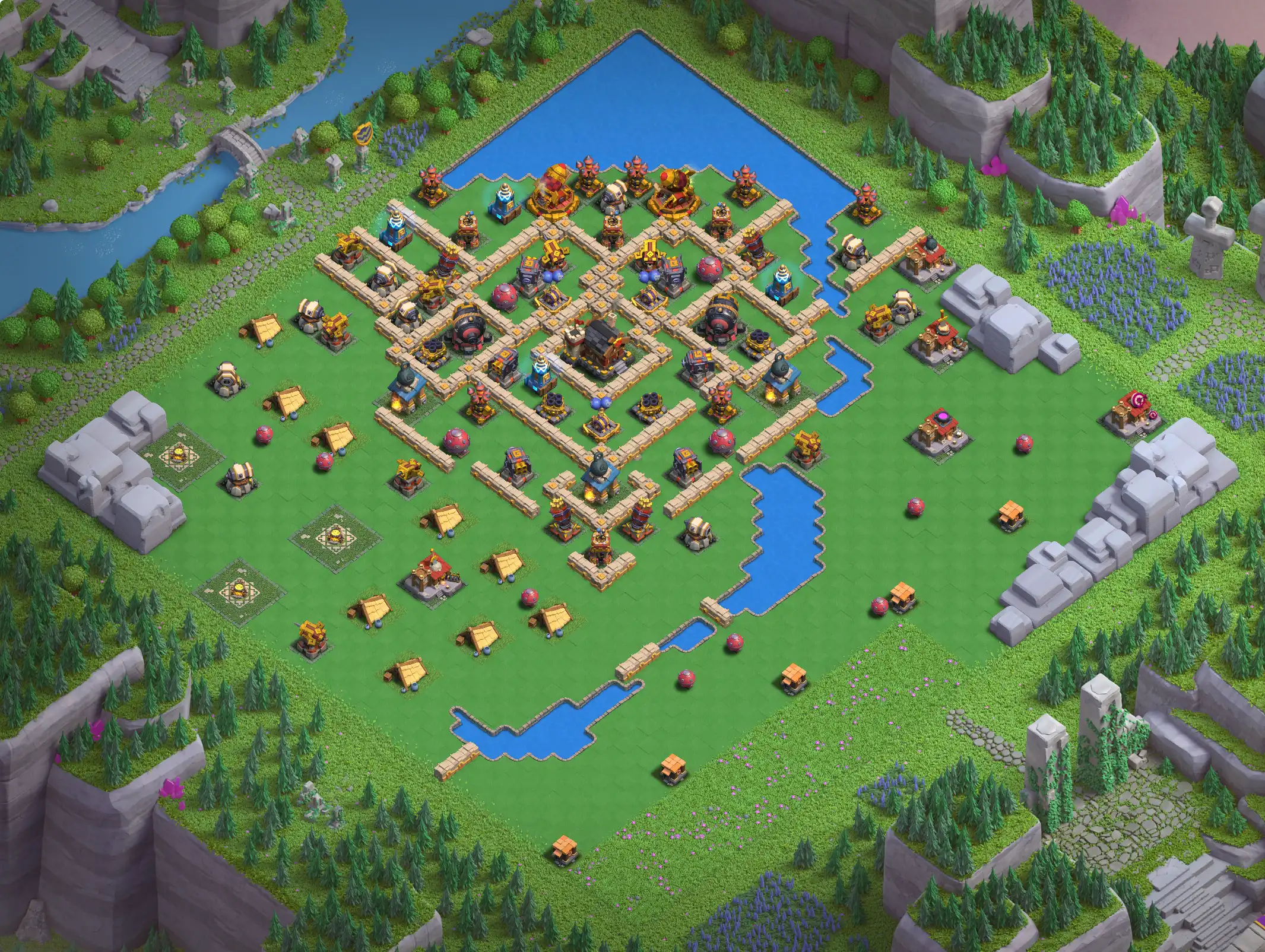
# Base No.1
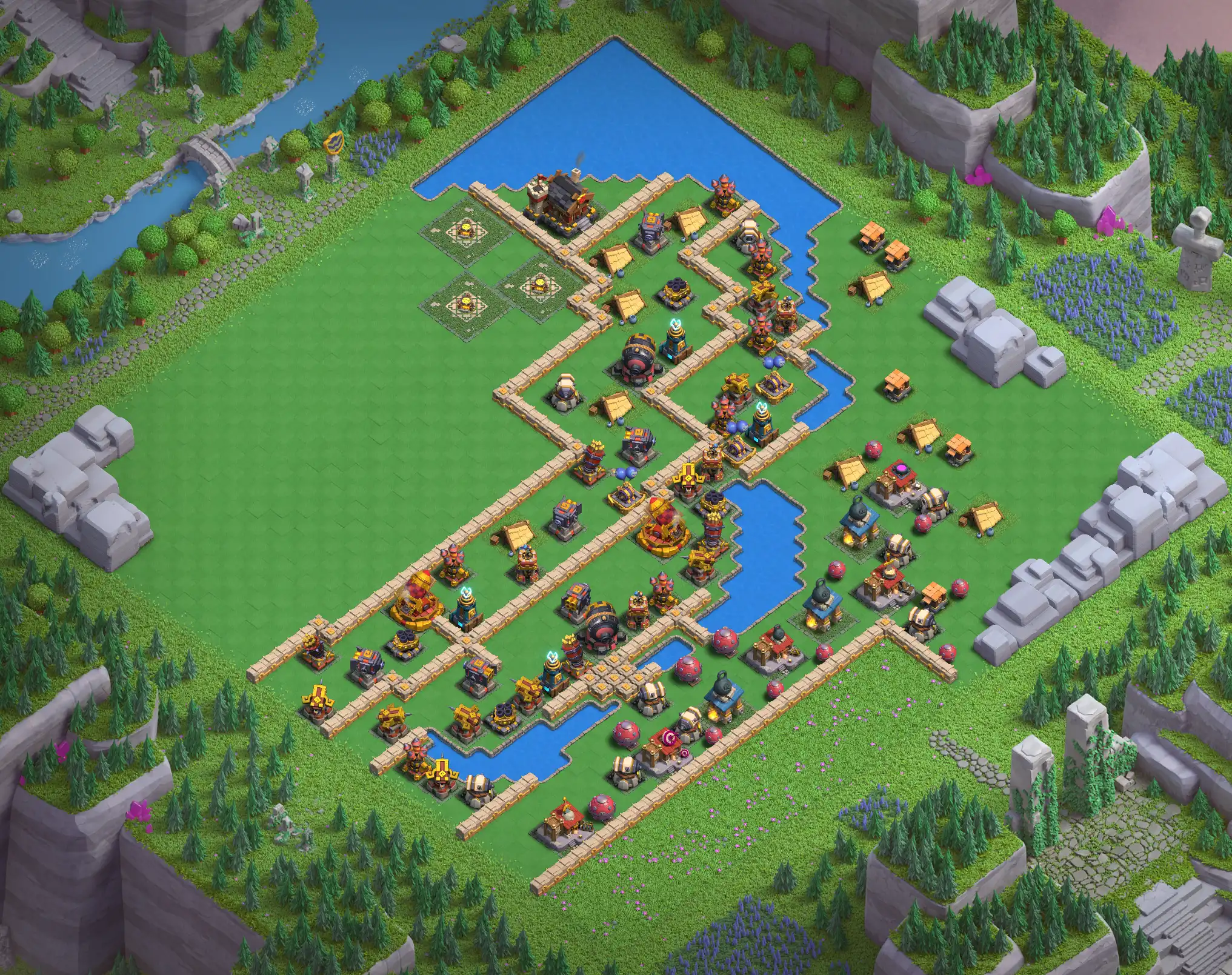
# Base No.2
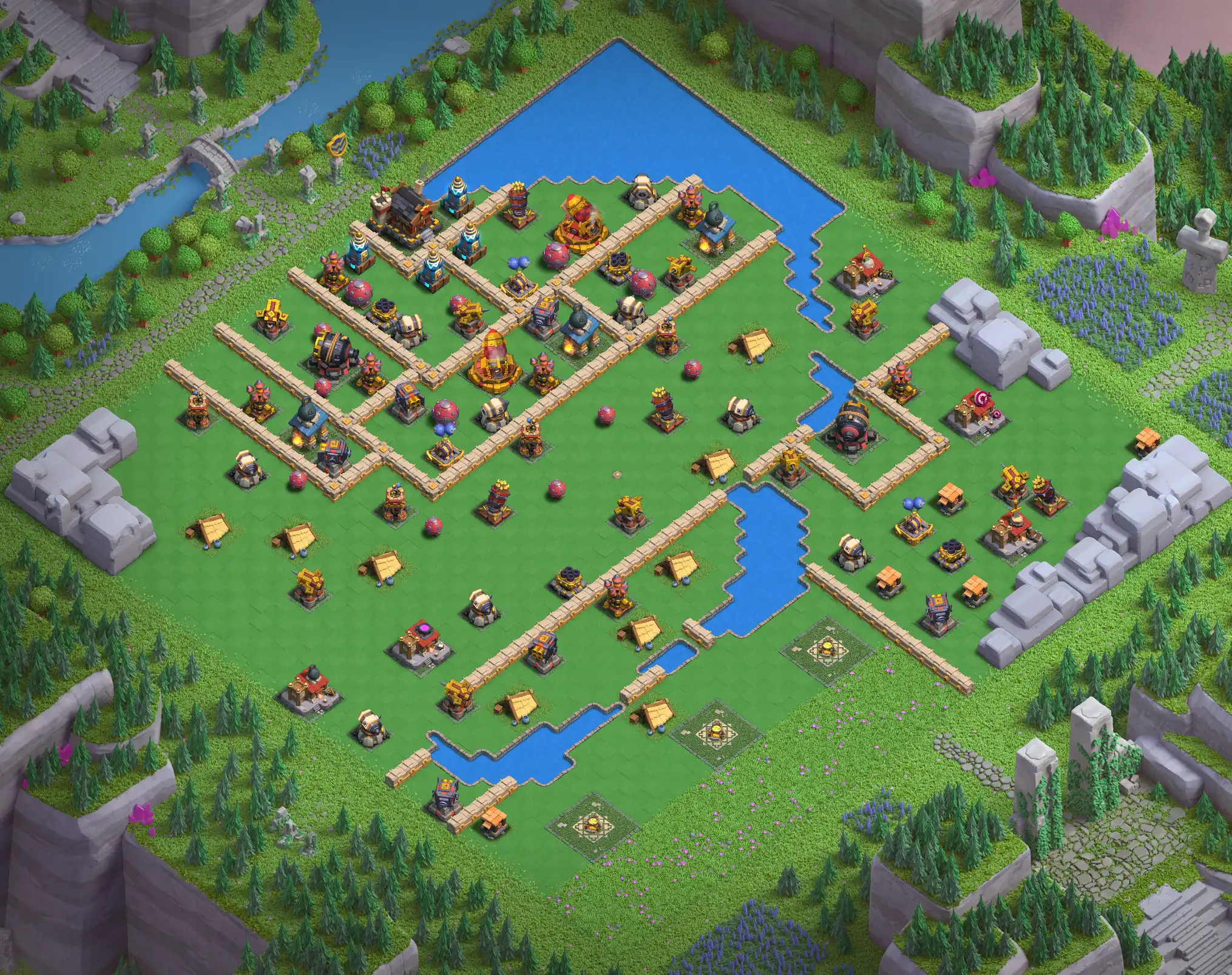
# Base No.3
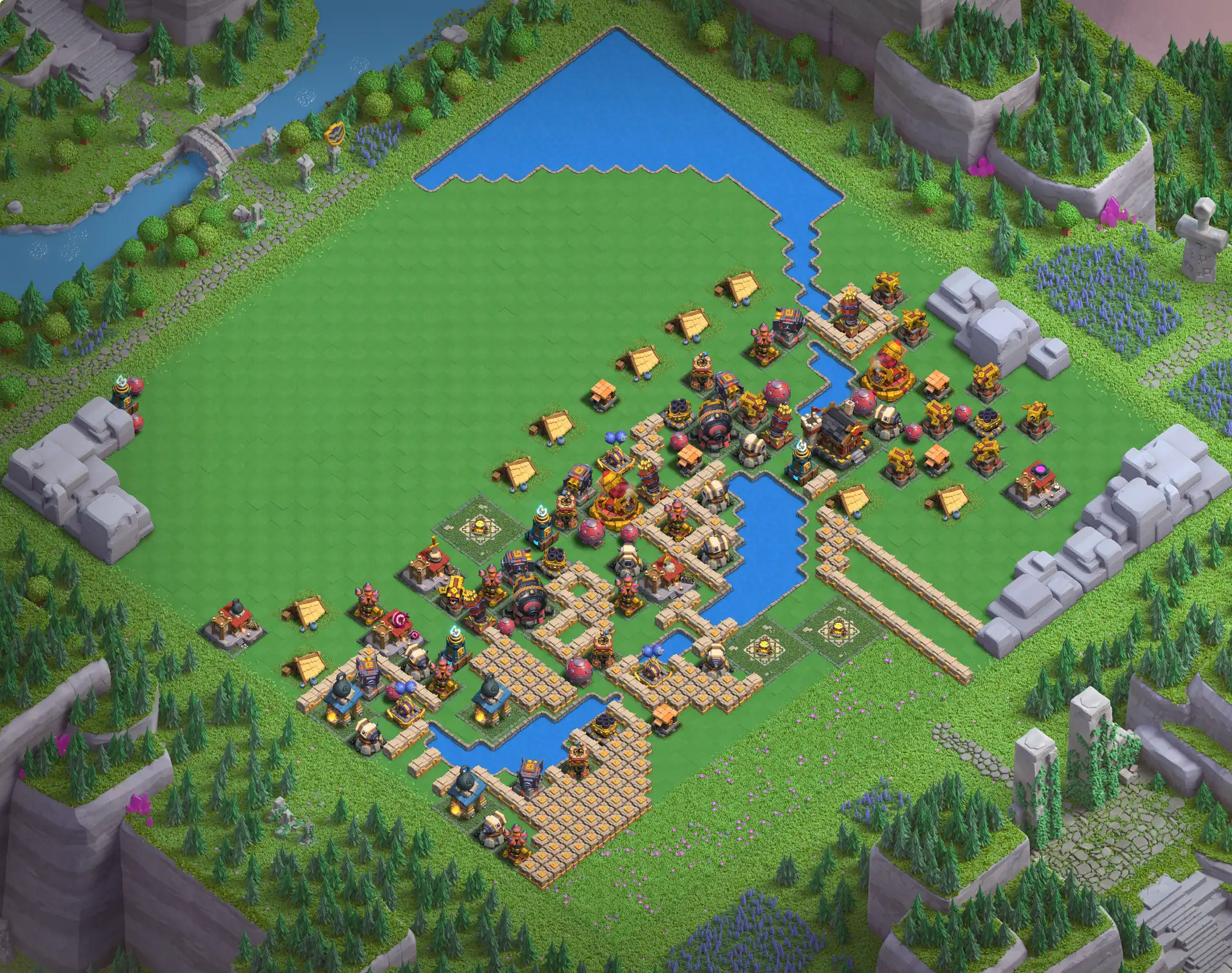
# Base No.4
# Base No.5
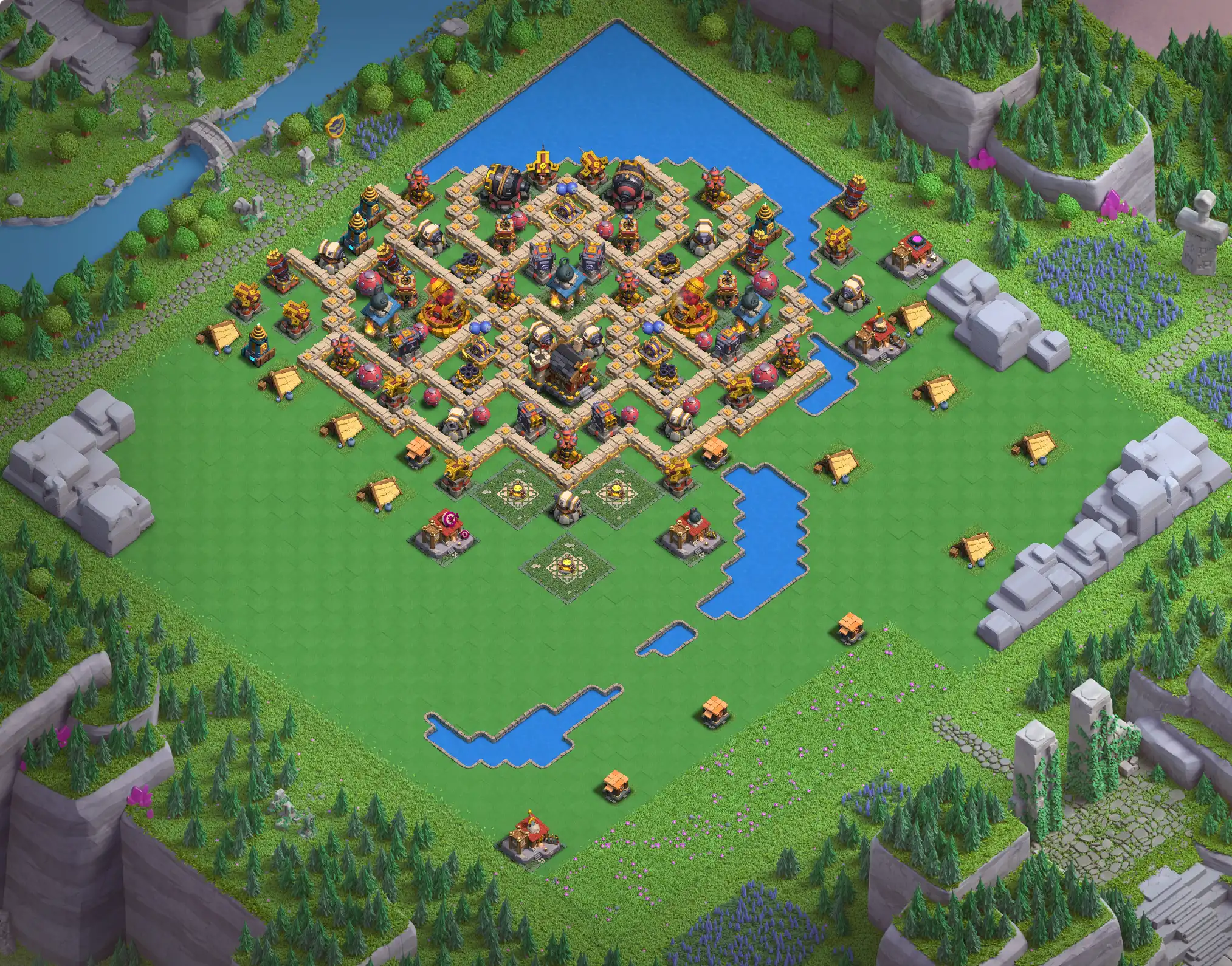
# Base No.6

📋 How to Copy a Barbarian Camp Level 5 Layout
- Click the Copy this layout button on this page.
- Clash of Clans will open automatically (if installed).
- You will be taken to the Layout Editor in the Barbarian Camp district.
- Select any existing layout to enter Village Edit Mode.
- Tap Save to apply the new Barbarian Camp Level 5 layout.
- Set it as Defensive and not Active to hide the layout from visitors.
ℹ️ Important Notes
- Only Clan Leaders and Co-Leaders can edit and save Clan Capital layouts.
- Your Barbarian Camp must be Level 5 to use these layouts.
- All ruins and obstacles must be cleared; otherwise, the layout may not import correctly.
- Importing a layout will replace your current Barbarian Camp design.
💬 Share Your Feedback & Bases
Have you tested this Barbarian Camp Level 5 layout during Raid Weekends?
Share your experience in the comments below.
- Tell us how many attacks it took to clear
- Mention what worked well and what didn’t
Your feedback helps us improve layouts and keep this page updated with real raid results.
Have a strong Barbarian Camp base to share?
Send the base link with a screenshot via email or upload it in our Discord channel, and we’ll review it and add it to this page.
Check other bases for Capital Hall 10



Note:- Only Leaders and Co-leaders can edit district layouts.
not working
links are updated now, please check again
new layouts uploaded